TeeLedger
TeeLedger How To

Every league task, explained.

This library maps all 78 topics in League Manager's help system to TeeLedger. Use it to set up the season, run each event, publish results, manage dues, and understand where TeeLedger uses a safer modern workflow.

78matched topics
13guide sections
1weekly workflow
Complete guide library

Every League Manager help topic, mapped to TeeLedger

78 practical guides across setup, weekly play, results, finance, and the public league website.

Showing 78 of 78 guides

Start here

Learn the workspace, use the weekly checklist, and understand the fastest path from setup to published results.

4 guides

Organization and access

Create leagues, choose courses, and give the right people administrative access.

3 guides

League dues

Configure dues, record payments, send reminders, and review balances.

5 guides

League website

Publish the public league home, schedule, results, resources, branding, and navigation.

9 guides
TeeLedger workflow

Publish a league website

Build a tenant website from the saved league, season, schedule, roster-visibility, result, and resource settings.

Matches: Website OverviewOpen guide
TeeLedger workflow

Configure the public home page

Order the public home sections and choose the season summary, next event, leaders, weather, resources, and rules content golfers should see first.

Matches: Home [Page] TabOpen guide
Handled differently

Publish event play information

TeeLedger places tee groups, matchups, check-in counts, and event status on each public event page instead of a separate Play tab.

Matches: Play TabOpen guide
TeeLedger workflow

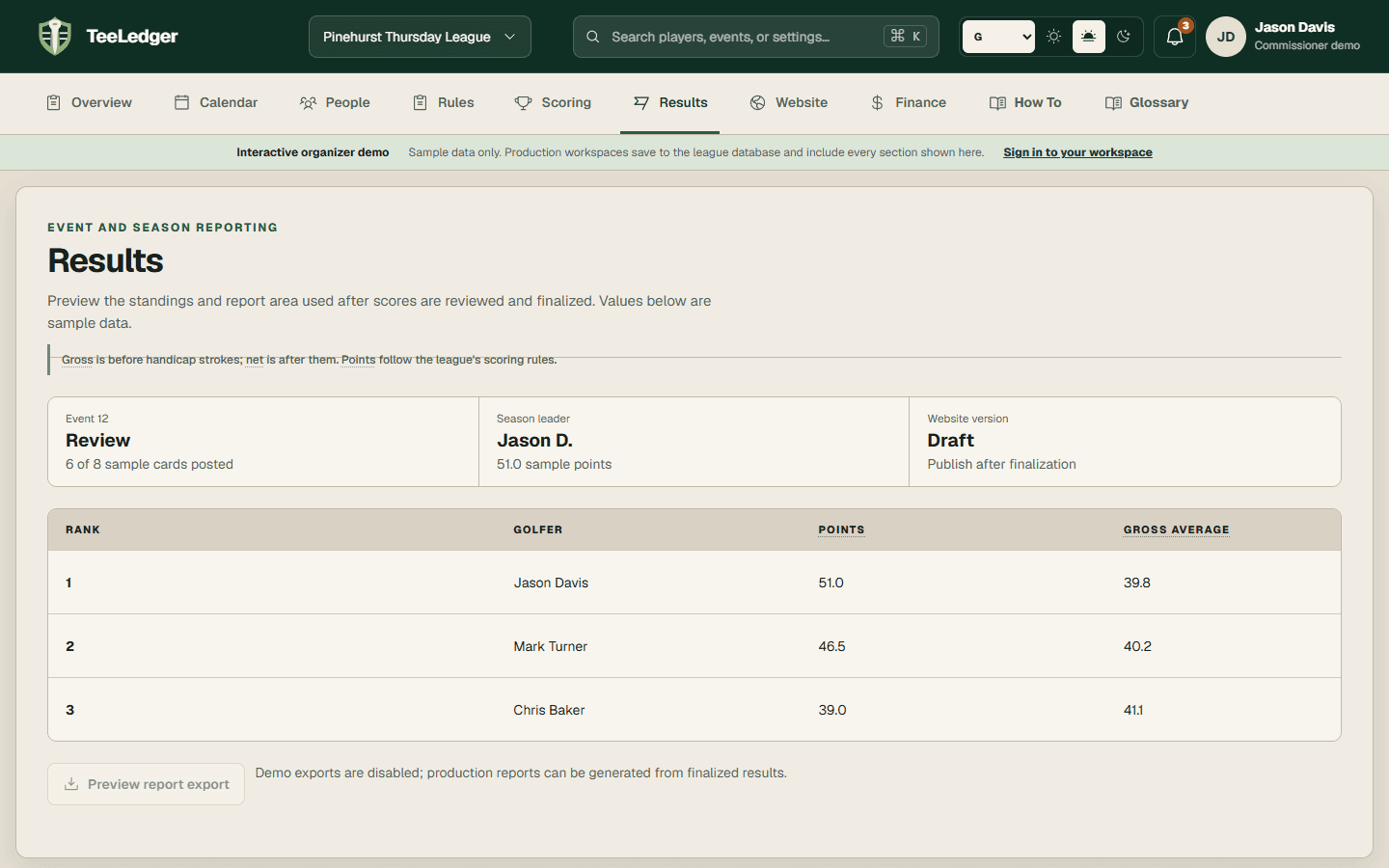
Publish results sections

TeeLedger separates season leaders from the previous event and links every published event to its detailed result page.

Matches: Results TabOpen guide
Handled differently

Publish league information

Publish season dates, league rules, schedule, roster visibility, resources, and contact guidance as dedicated sections rather than one League tab.

Matches: League TabOpen guide
TeeLedger workflow

Set the public league name and address

Use the league name to derive a readable website address, then edit the address if the league needs a different public URL.

Matches: Name TabOpen guide
Handled differently

Communicate with golfers

Use invitations, email delivery, SMS consent, substitute notifications, and league resources instead of an unmoderated public chat room.

Matches: Chat TabOpen guide
TeeLedger workflow

Customize the public header and footer

Set shared public navigation, branding, sign-in links, resources, and footer destinations for the league site.

Matches: Website Tab [Header | Footer]Open guide
TeeLedger workflow

Publish documents and links

Upload league documents or add approved external links with a title, visibility, and public placement.

Matches: Custom Documents and LinksOpen guide

Players and communication

Invite, edit, import, export, and contact golfers.

5 guides

Schedule

Generate or edit events, pairings, time slots, split seasons, and schedule visibility.

7 guides

Handicaps and quotas

Configure history, adjusted gross, strokes, tee adjustments, quotas, and calculation traces.

10 guides
TeeLedger workflow

Workspace settings overview

Understand where TeeLedger stores league identity, theme, courses, teams, handicap rules, scoring rules, schedule policy, website settings, and finance settings.

Matches: SettingsOpen guide
TeeLedger workflow

Configure league settings

Save the season dates, holes, format, teams, divisions, flights, website identity, and timezone that other workflows rely on.

Matches: League SettingsOpen guide
TeeLedger workflow

Handicap settings overview

Configure calculation history, allowance, score control, player and team strokes, received limits, rounding, caps, and tee adjustments in one saved policy.

Matches: Handicap SettingsOpen guide
TeeLedger workflow

Set handicap calculation parameters

Choose the history window, minimum rounds, discard table, allowance, initial-handicap behavior, weekly limits, maximum, rounding, and tee adjustment.

Matches: Calculation ParametersOpen guide
TeeLedger workflow

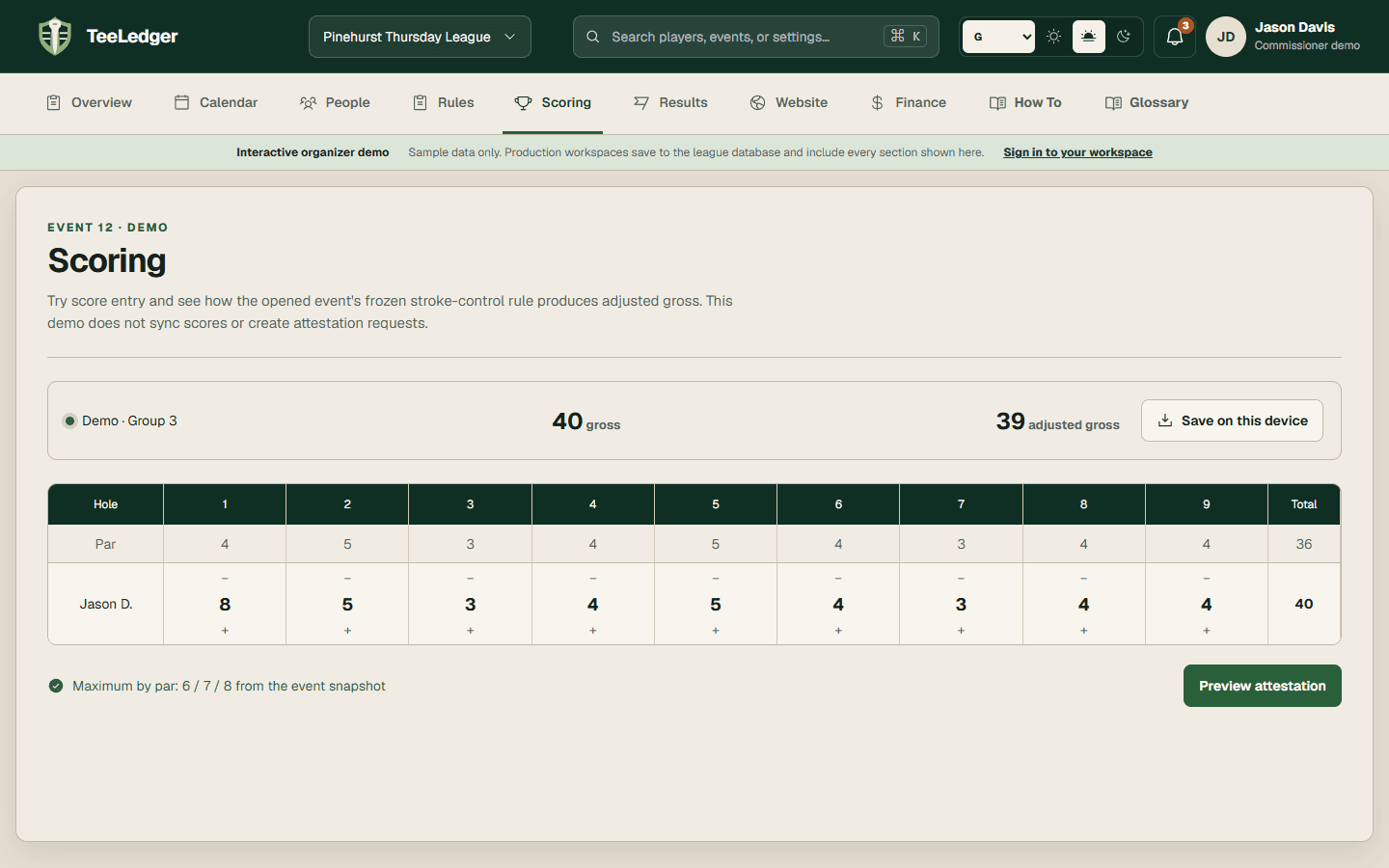
Set adjusted-gross stroke control

Choose no reduction, a constant maximum by par, or the league's saved handicap-based stroke-control table for adjusted gross.

Matches: Stroke ControlOpen guide
TeeLedger workflow

Configure player strokes

Choose relative match strokes, group-baseline strokes, full course strokes, or automatic strokes by competition layer.

Matches: Player StrokesOpen guide
TeeLedger workflow

Configure team strokes

Choose pooled team strokes, aggregate player strokes, or another saved team allocation mode for team competition.

Matches: Team StrokesOpen guide
TeeLedger workflow

Limit received strokes

Optionally cap the strokes a golfer can receive on par-3 holes or over the full round.

Matches: Other OptionsOpen guide
TeeLedger workflow

Compete from multiple tees

Assign each golfer's event tee and use saved rating/par adjustments before the final playing handicap is rounded.

Matches: Competing from Multiple TeesOpen guide
TeeLedger workflow

Configure quota scoring

Add a quota competition layer with a Stableford scale, base quota, decimals, recent adjustment, and approved player overrides.

Matches: Quota SettingsOpen guide

Points and competition

Compose individual, team, field, Stableford, quota, attendance, skins, and prize layers.

8 guides
TeeLedger workflow

Point settings overview

Build a scoring policy from ordered competition layers rather than a fixed desktop wizard.

Matches: Point SettingsOpen guide
TeeLedger workflow

Configure scorecard display

Choose printed player details, handicap marks, team rows, colors, labels, and report options for the league's cards.

Matches: Scorecard DisplayOpen guide
TeeLedger workflow

Configure player-versus-player points

Add an individual match layer with hole points, match points, halves, and the intended stroke method.

Matches: Player versus PlayerOpen guide
TeeLedger workflow

Configure team-versus-team points

Add a team match layer with hole, match, medal, or aggregate contributions and substitute-credit policy.

Matches: Team versus TeamOpen guide
TeeLedger workflow

Configure player-versus-course points

Use a Stableford layer to compare each net hole score with par under a saved point scale.

Matches: Player versus CourseOpen guide
TeeLedger workflow

Configure player or team field points

Award points by rank against the eligible player or team field with explicit tie behavior.

Matches: Player or Team versus FieldOpen guide
TeeLedger workflow

Configure attendance, skins, deuces, merit, and prize points

Add optional layers for attendance, skins, deuces, cross matches, manual merit, or prize values while preserving a readable result trace.

Matches: Other PointsOpen guide
TeeLedger workflow

Review point totals

Reconcile each competition layer, override, player total, team total, and season standing before publication.

Matches: Point TotalsOpen guide

Teams and substitutes

Manage team structure, real substitutes, Ghosts, and point-credit rules.

2 guides

Before play

Prepare an event, confirm coverage, update assignments, inspect statistics, and print reports.

11 guides
TeeLedger workflow

Use the weekly event checklist

Work through coverage, invitations, setup, pairings, scorecards, finalization, and publication using live database status.

Matches: Event Task Guide / ChecklistOpen guide
TeeLedger workflow

Before-play overview

Prepare the selected event's course, tee, rule snapshot, attendance, substitutes, pairings, tee times, cards, and optional games.

Matches: Pre-PlayOpen guide
TeeLedger workflow

Manage the next event

Use the event desk as the operational source of truth for status, check-in, pairings, and coverage.

Matches: Pre-Play ManageOpen guide
TeeLedger workflow

Move players for an event

Change a future event's team, lineup position, flight, pairing, or participation without rewriting the player's historical membership.

Matches: Move PlayersOpen guide
TeeLedger workflow

Resolve substitute coverage

Move a golfer from Needs substitute to a real substitute or Ghost outcome through the shared coverage workflow.

Matches: SubstitutionOpen guide
TeeLedger workflow

Review player statistics

Inspect season and event statistics, handicap rounds, appearances, scores, points, optional games, and custom stat values for one golfer.

Matches: Player StatisticsOpen guide
TeeLedger workflow

Review team statistics

Review team points, events played, matchup history, ranks, and member contributions.

Matches: Team StatisticsOpen guide
TeeLedger workflow

Review event handicaps

Inspect each golfer's event-opening league and playing handicap, tee adjustment, status, and calculation trace.

Matches: HandicapsOpen guide
Handled differently

Bulk-update player information

Use staged imports or focused roster operations for repeatable multi-player changes instead of an unsafe spreadsheet-style mass edit.

Matches: Simultaneiously edit info for multiple playersOpen guide
TeeLedger workflow

Flight and pair players automatically

Assign flights and lineup positions, then generate groups or matches from the league's saved pairing and fairness rules.

Matches: Flight | Pair Players AutomaticallyOpen guide
TeeLedger workflow

Generate pre-play reports

Produce scorecards, pairings, rosters, and event preparation artifacts before play.

Matches: Pre-Play ReportsOpen guide

Scoring

Open an event, enter raw scores, attest cards, and inspect the handicap calculation.

6 guides

Finalize and report

Finalize immutable results, publish standings, and generate filtered report artifacts.

7 guides

Reference

Product terms and documented TeeLedger alternatives to legacy desktop-only features.

1 guide