01
Pass finalization readiness
Review scorecards, pairings, substitutes, tees, overrides, and calculation diagnostics before finalizing once.
Verify
Open this exact demo step The gate has no blocking item and records the finalizing actor and time.
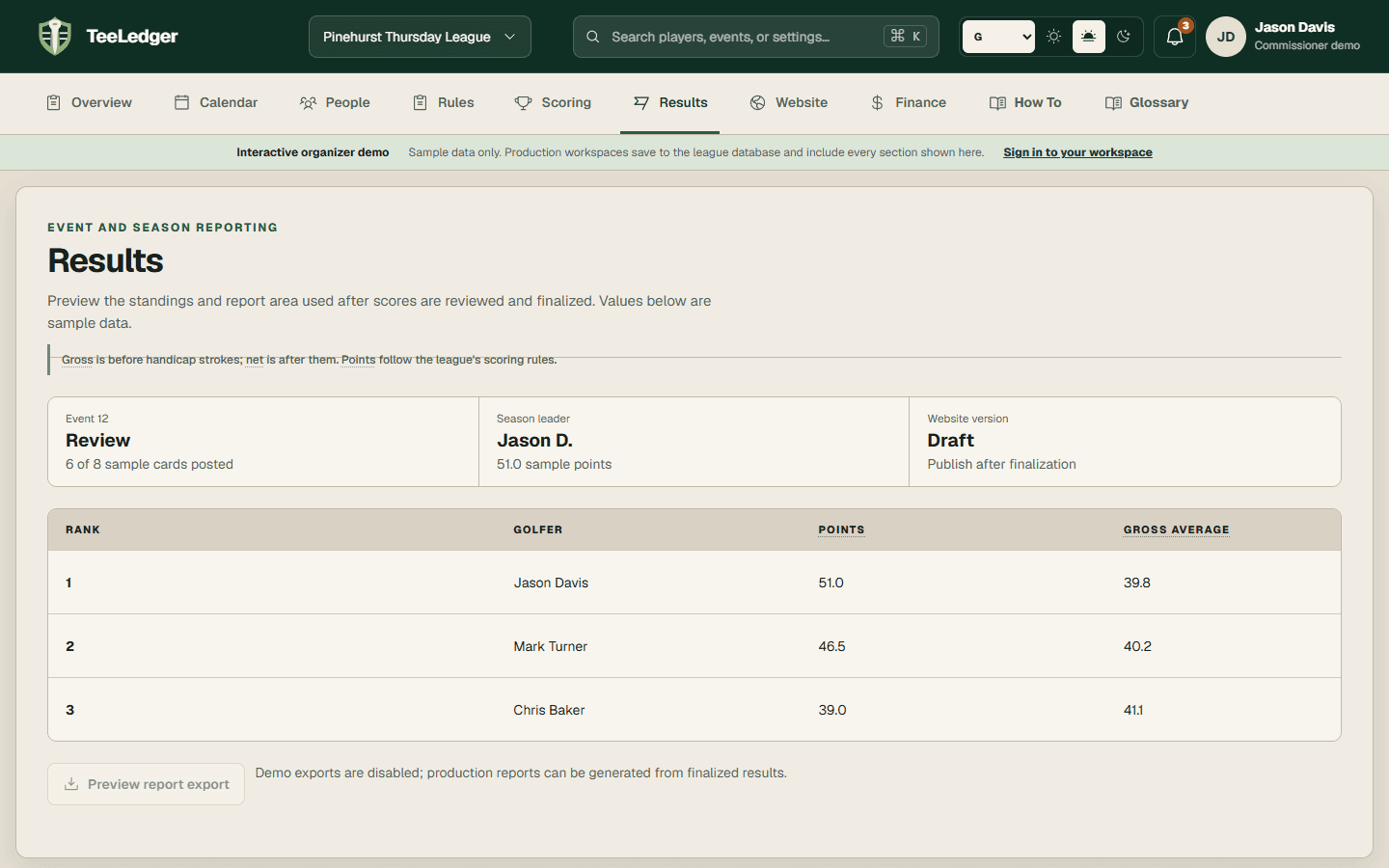
Pass the finalization gate, create one immutable result version, generate reports, review the weekly message, and publish a matching website snapshot.
Review scorecards, pairings, substitutes, tees, overrides, and calculation diagnostics before finalizing once.
The gate has no blocking item and records the finalizing actor and time.
Generate the required player/team artifacts and review the deterministic result links plus any AI-assisted draft summary.
The draft cites the completed event and remains under commissioner control.
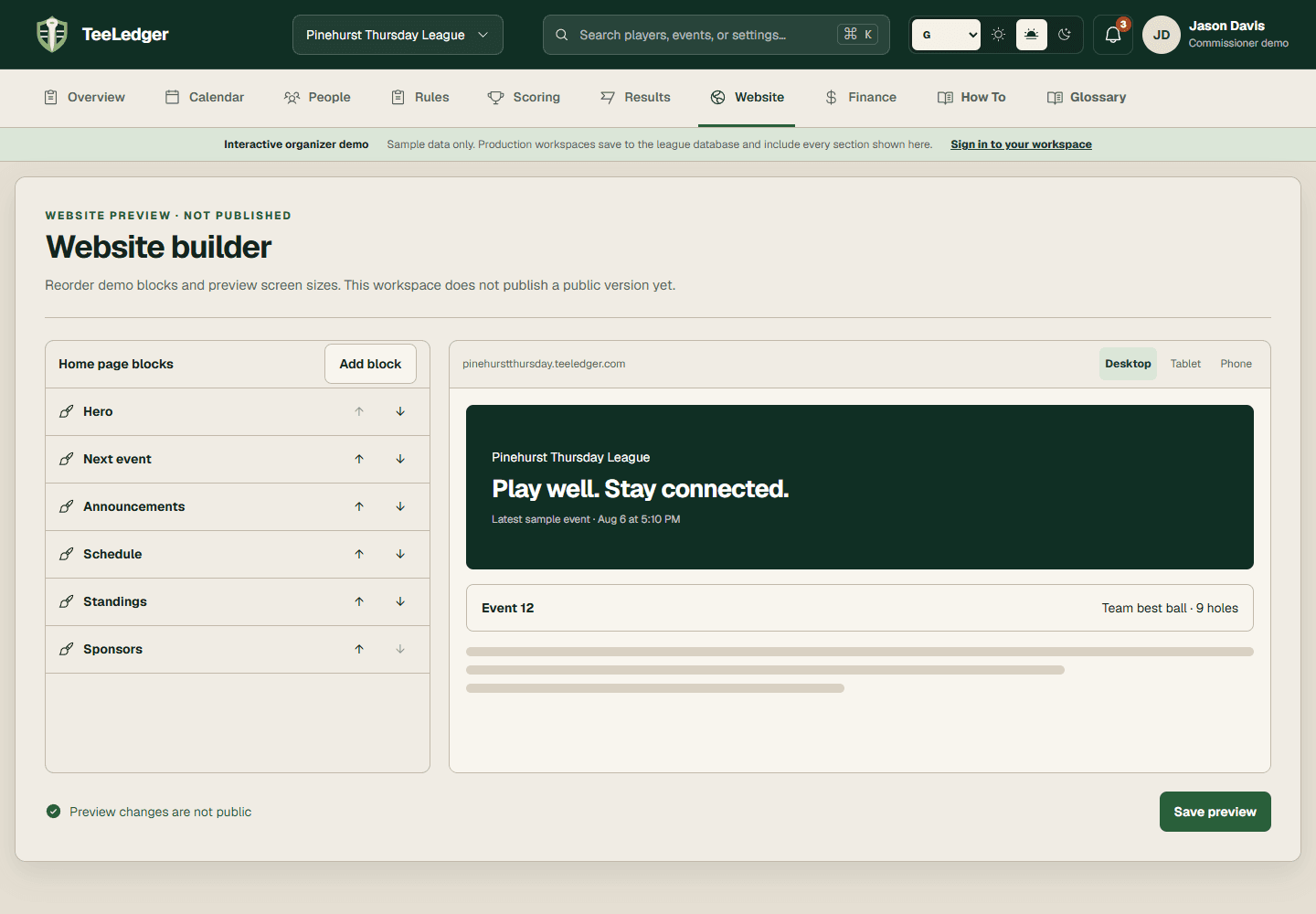
Create a new site snapshot and verify the custom hostname, recent event, standings, resources, and history.
The live site and artifacts identify the same finalized event version.