Verified TeeLedger workflowSet up a league season
Create or reopen a league, confirm identity and timezone, prepare the season, and save the policies that later events will snapshot.
Before you startHave these ready
- League name and season dates
- Known league format
- At least one commissioner
Guided workflow
Complete and verify each step
01Review league identity
Confirm the name, derived website address, timezone, default theme, and season dates in Settings.
VerifyDates render in the league timezone and the intended website address is reserved or clearly pending.
Open this exact demo step → 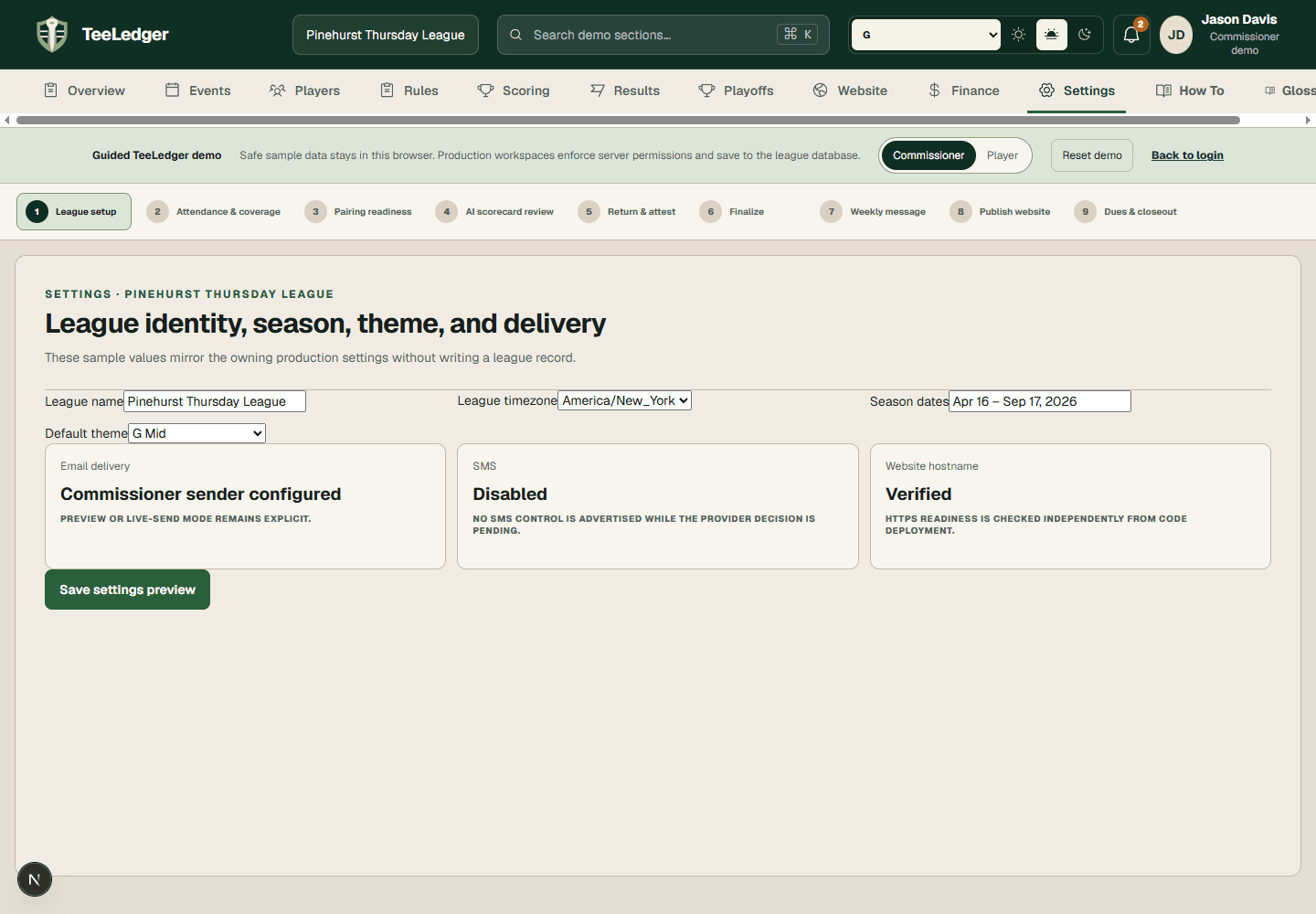 Current TeeLedger guided demo · safe sample data
02Assign administrative access
Invite real accounts and choose owner, admin, captain, scorer, or player according to the work each person performs.
VerifyEach membership exposes only its permitted sections and team scope.
Open this exact demo step → 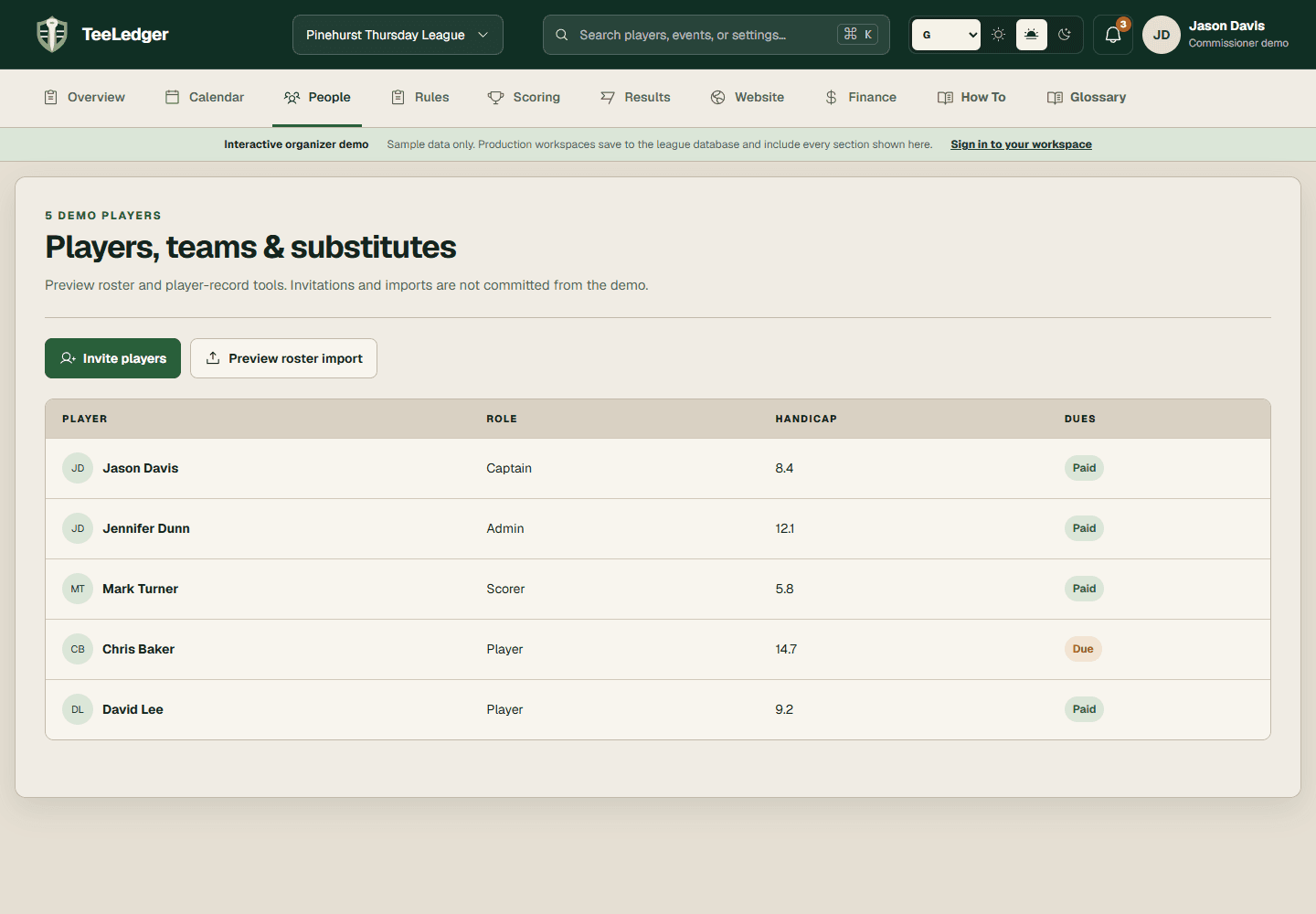 Current TeeLedger guided demo · safe sample data
03Save rules before opening play
Configure courses, handicap policy, competition layers, team structure, and schedule defaults before the first event opens.
VerifyThe next event preview references the intended saved rule version.
Open this exact demo step → 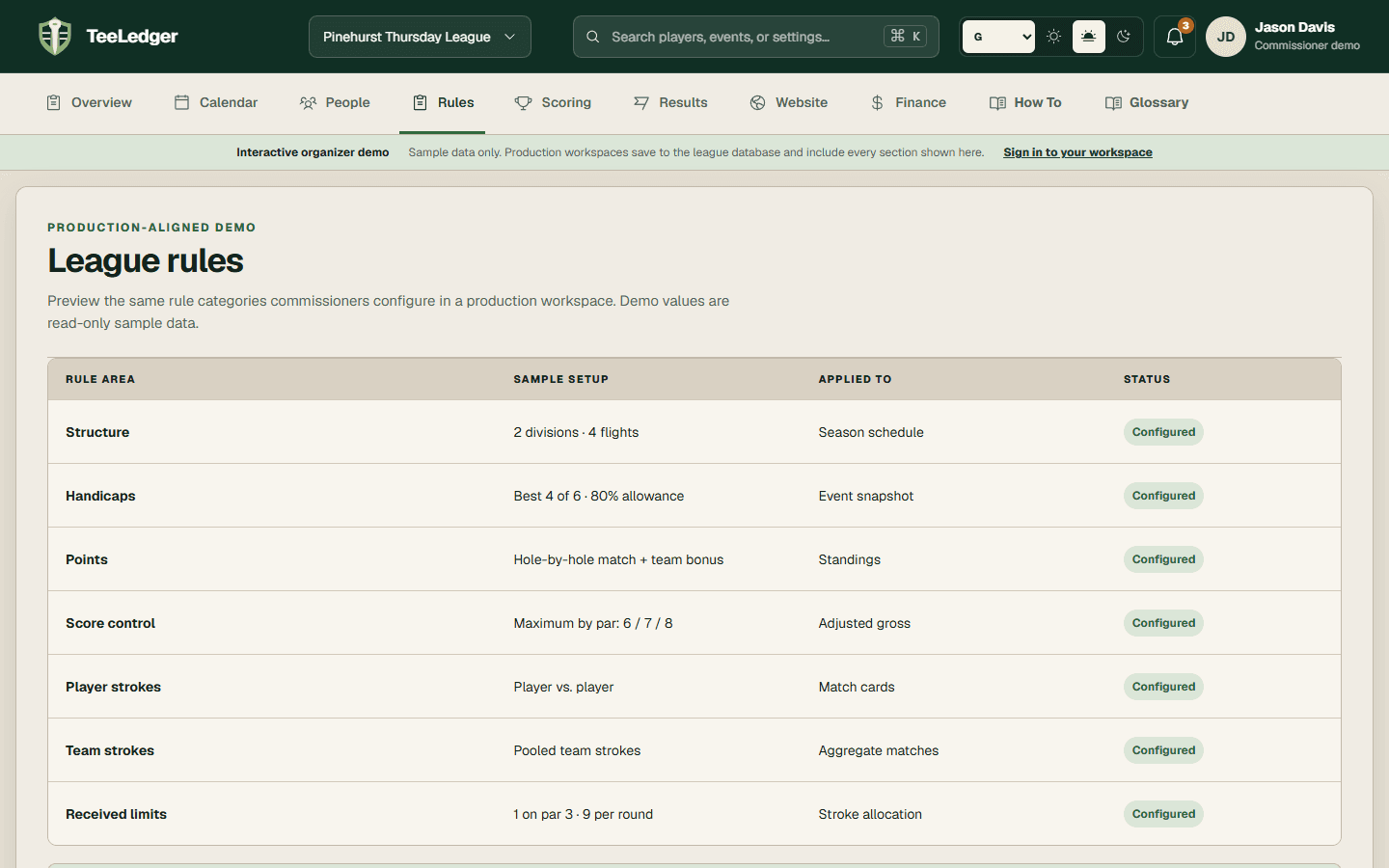 Current TeeLedger guided demo · safe sample data