TeeLedger
Verified TeeLedger workflow

Manage players, roster data, and access

Maintain one historical player record per golfer, stage imports, assign teams and roles, and connect invited accounts without editing calculated handicaps.

RolesOwner · Admin
Expected resultEvery active golfer has the correct roster, team, substitute, contact, invitation, and account-link state.
Before you start

Have these ready

  • An active league and season
  • Player names or a roster file
Guided workflow

Complete and verify each step

01

Add or import players

Create a player directly or stage a CSV/spreadsheet import, resolving duplicates and field warnings before committing.

Verify

The approved rows match the active roster and the import retains its source review.
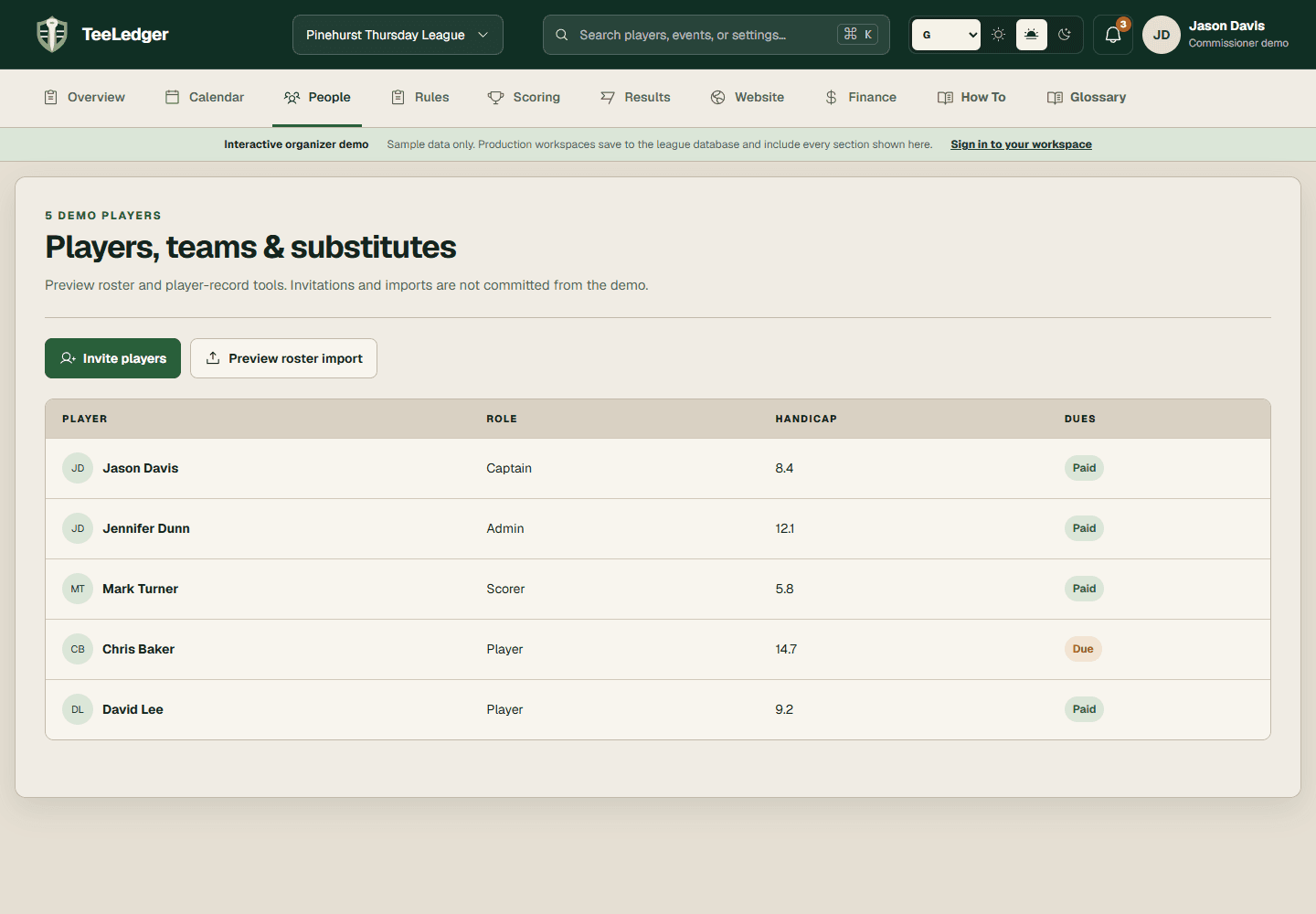
Open this exact demo step
TeeLedger Players workspace with roster roles and invitations
Current TeeLedger guided demo · safe sample data
02

Organize the roster

Assign regular/substitute status, team, lineup position, flight, preferred tee, custom fields, and notification preferences.

Verify

Team and player pages reflect the same active membership.

Open this exact demo step
TeeLedger Players workspace with roster roles and invitations
Current TeeLedger guided demo · safe sample data
03

Invite the account

Verify the email and league role, then prepare the private invitation that links the account to the existing golfer.

Verify

Invitation and membership status identify the same roster record without exposing the link publicly.

Open this exact demo step
TeeLedger Players workspace with roster roles and invitations
Current TeeLedger guided demo · safe sample data