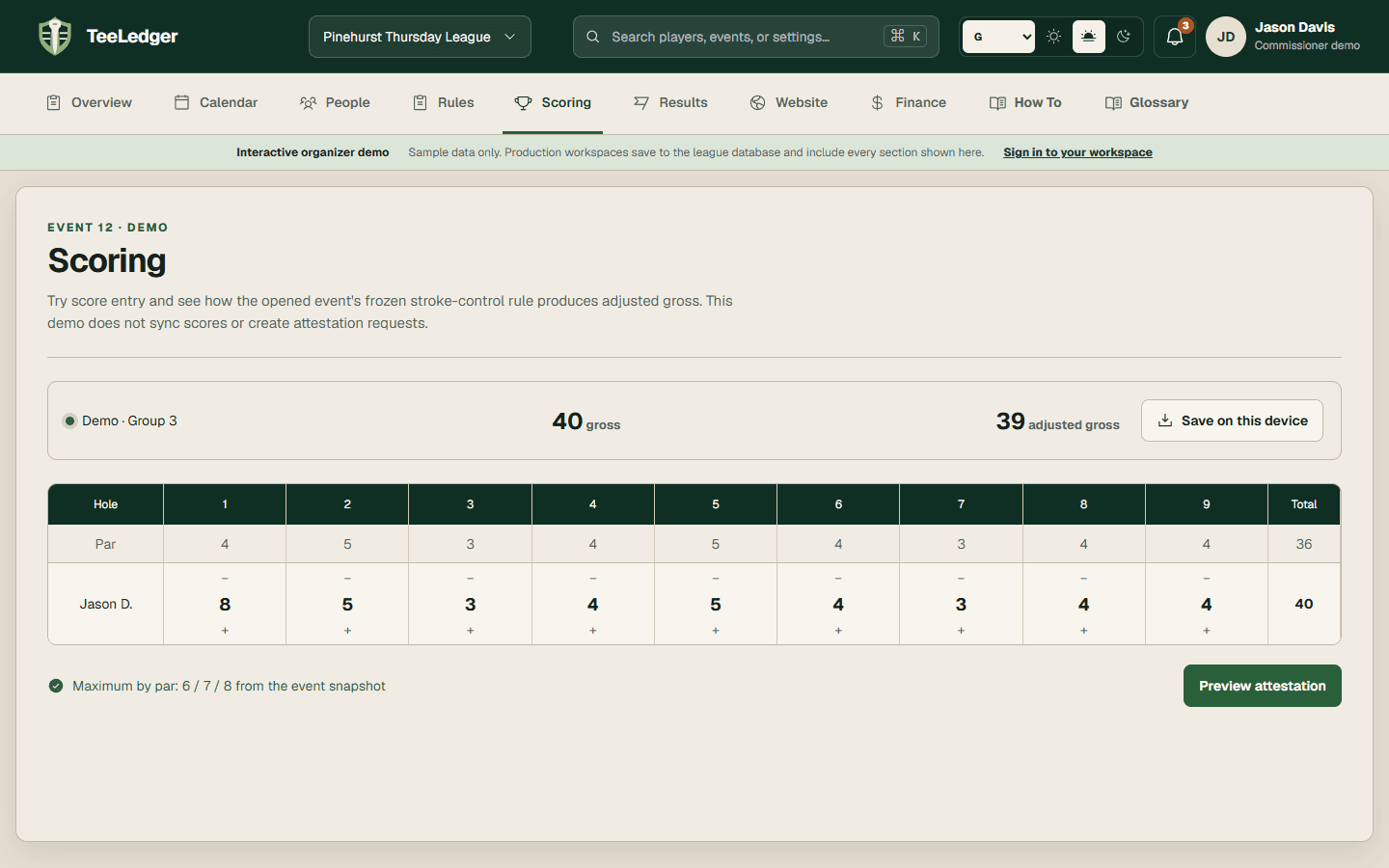
01
Confirm course and tee evidence
Review par, yardage, rating, slope, and stroke index for the event side before confirming the tee.
Verify
Open this exact demo step Printed holes and handicap marks match the official card.
Confirm course evidence, assign tees, and version the transparent league-handicap policy used by each opened event.
Review par, yardage, rating, slope, and stroke index for the event side before confirming the tee.
Printed holes and handicap marks match the official card.
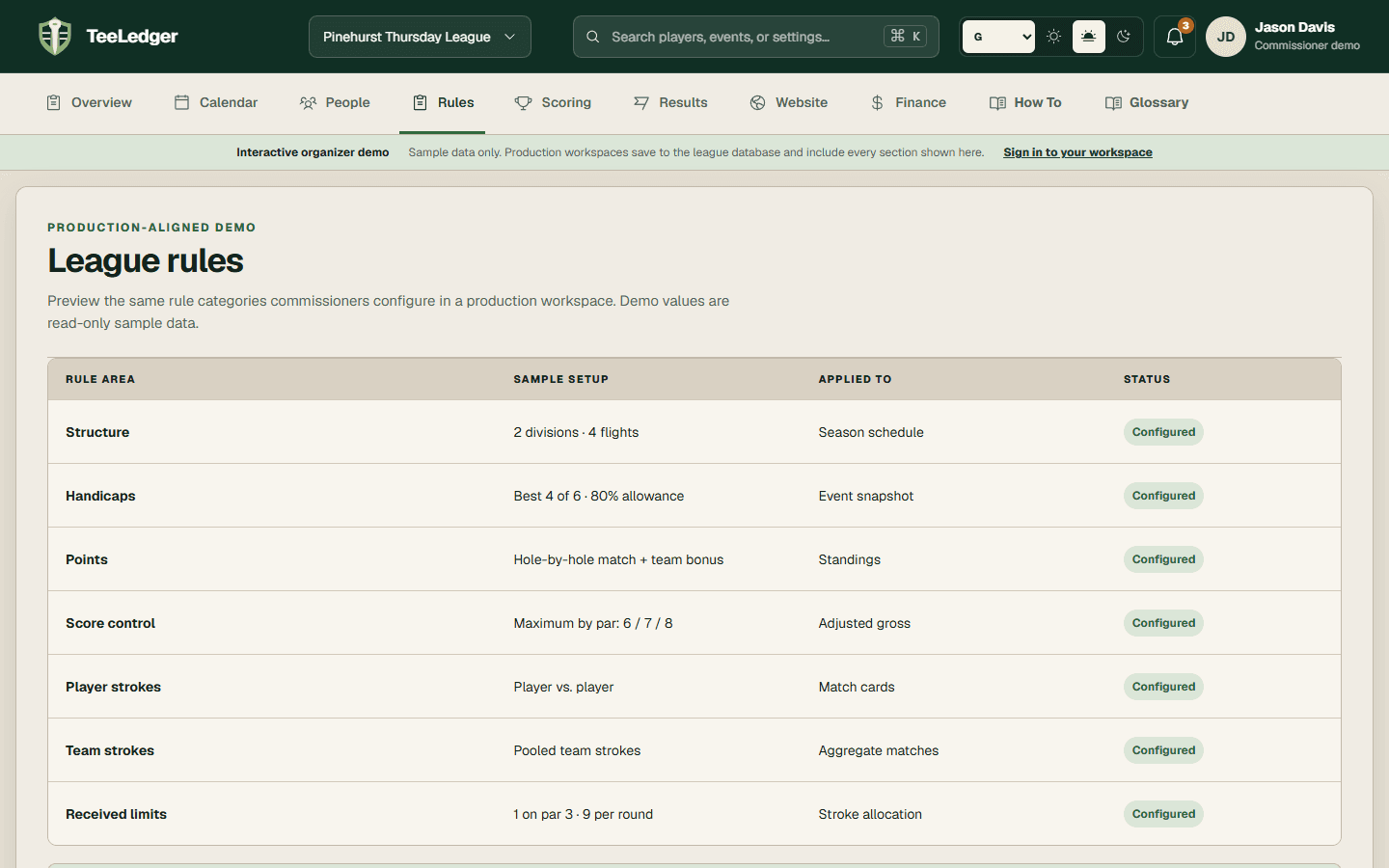
Set the history window, selection table, allowances, initial strategy, limits, rounding, stroke control, and tee adjustment.
A sample calculation trace shows every selected round and transformation.
Open the event and inspect league handicap, playing handicap, tee adjustment, status, and any approved reasoned override.
The event snapshot is immutable and later setting changes do not rewrite it.