01
Confirm league and role
Read the active league and signed-in role in the shared header before making a change.
Verify
Open this exact demo step The intended league and role stay visible.
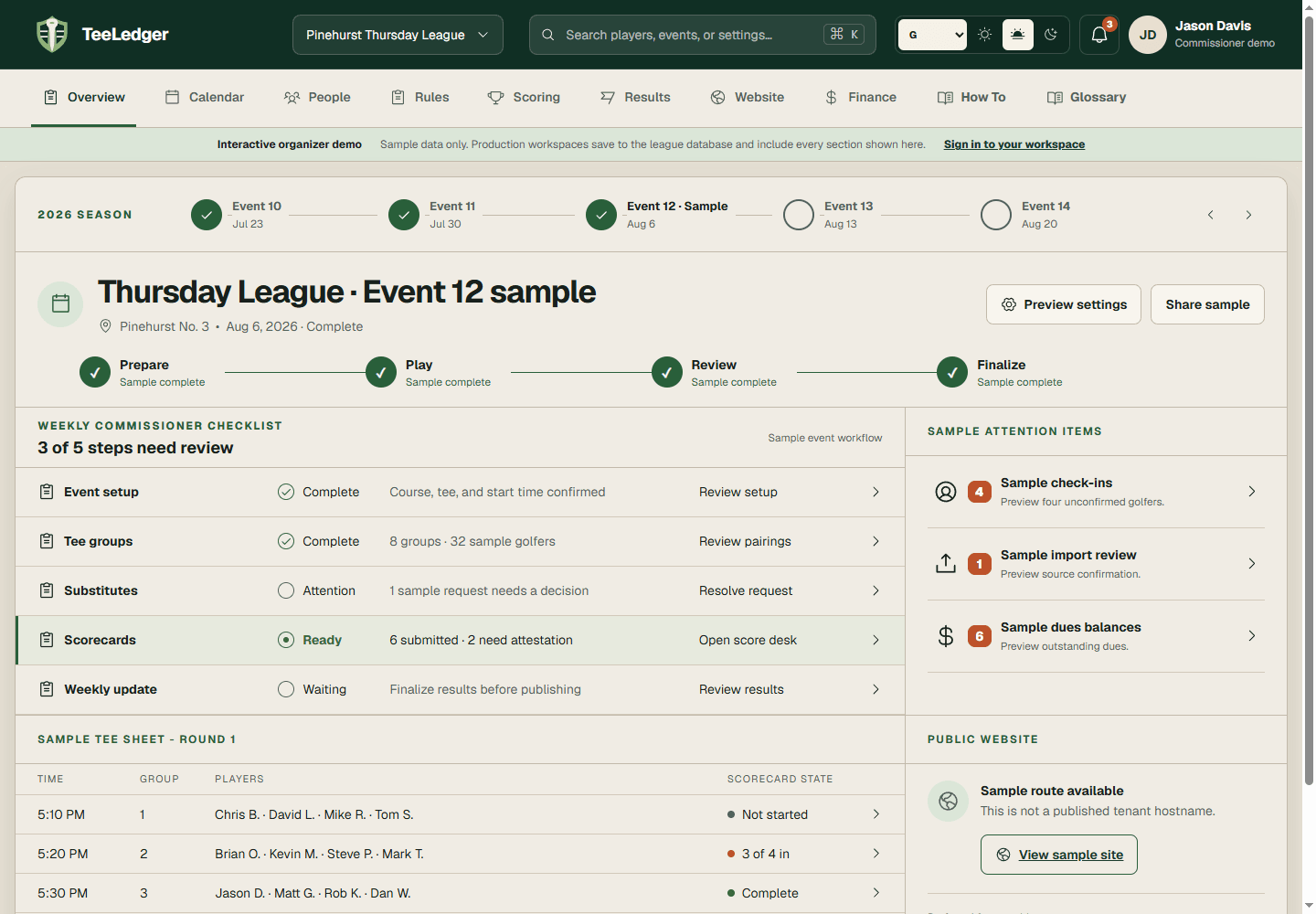
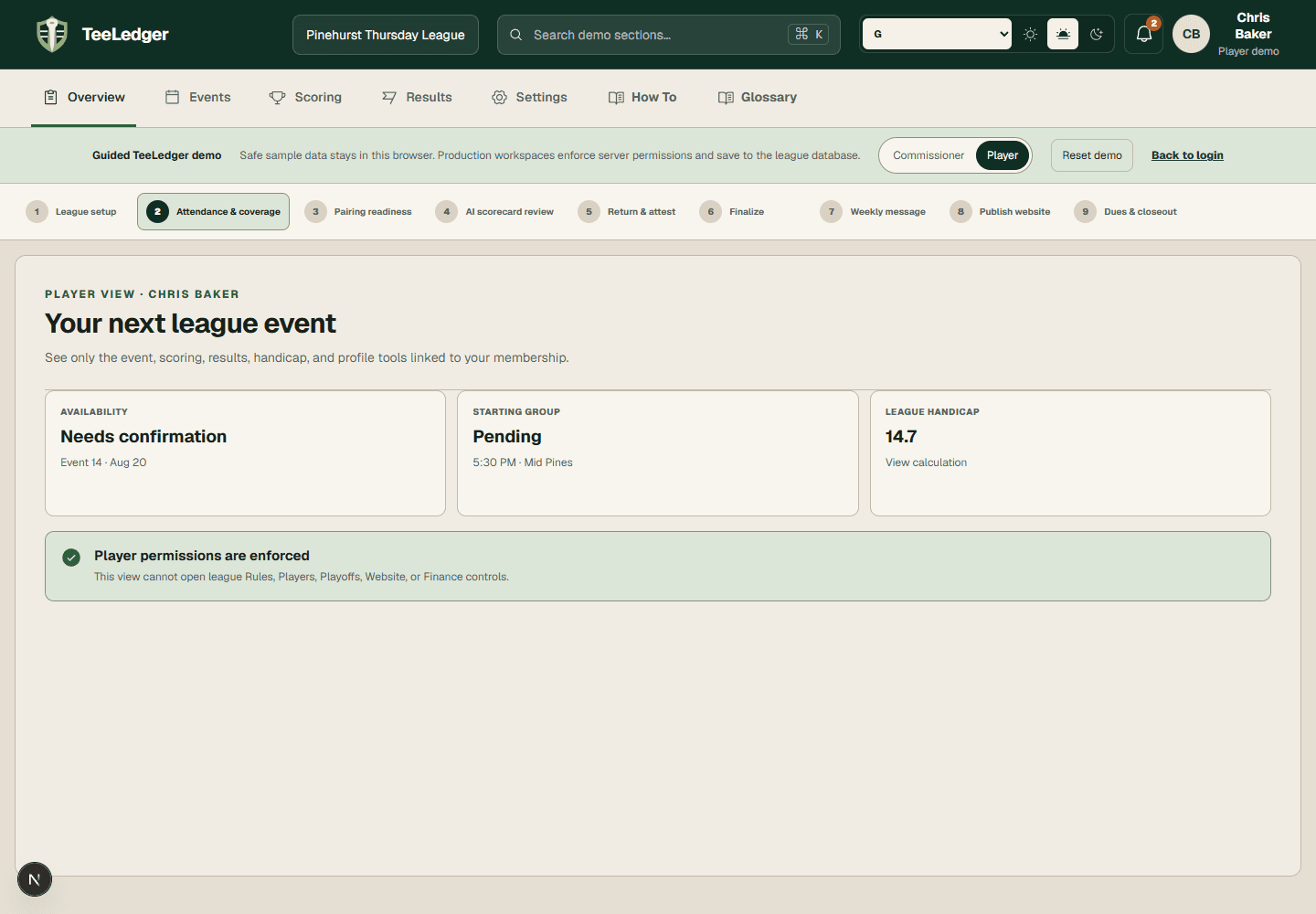
Choose the active league, understand the ten task areas, switch between commissioner and player responsibilities, and follow the next real checklist action.
Read the active league and signed-in role in the shared header before making a change.
The intended league and role stay visible.
Use Overview, Events, Players, Rules, Scoring, Results, Playoffs, Website, Finance, or Settings. Player accounts receive a smaller permission-aware set.
The URL and current-navigation state identify the same workspace.
Start with the first incomplete weekly item instead of maintaining a separate paper list.
The action opens the exact event, player, scorecard, result, or publication that needs attention.