01
Record availability
The scheduled golfer marks attendance or requests coverage from the player view; a commissioner can follow up on unconfirmed players.
Verify
Open this exact demo step The event desk shows one current status for the golfer.
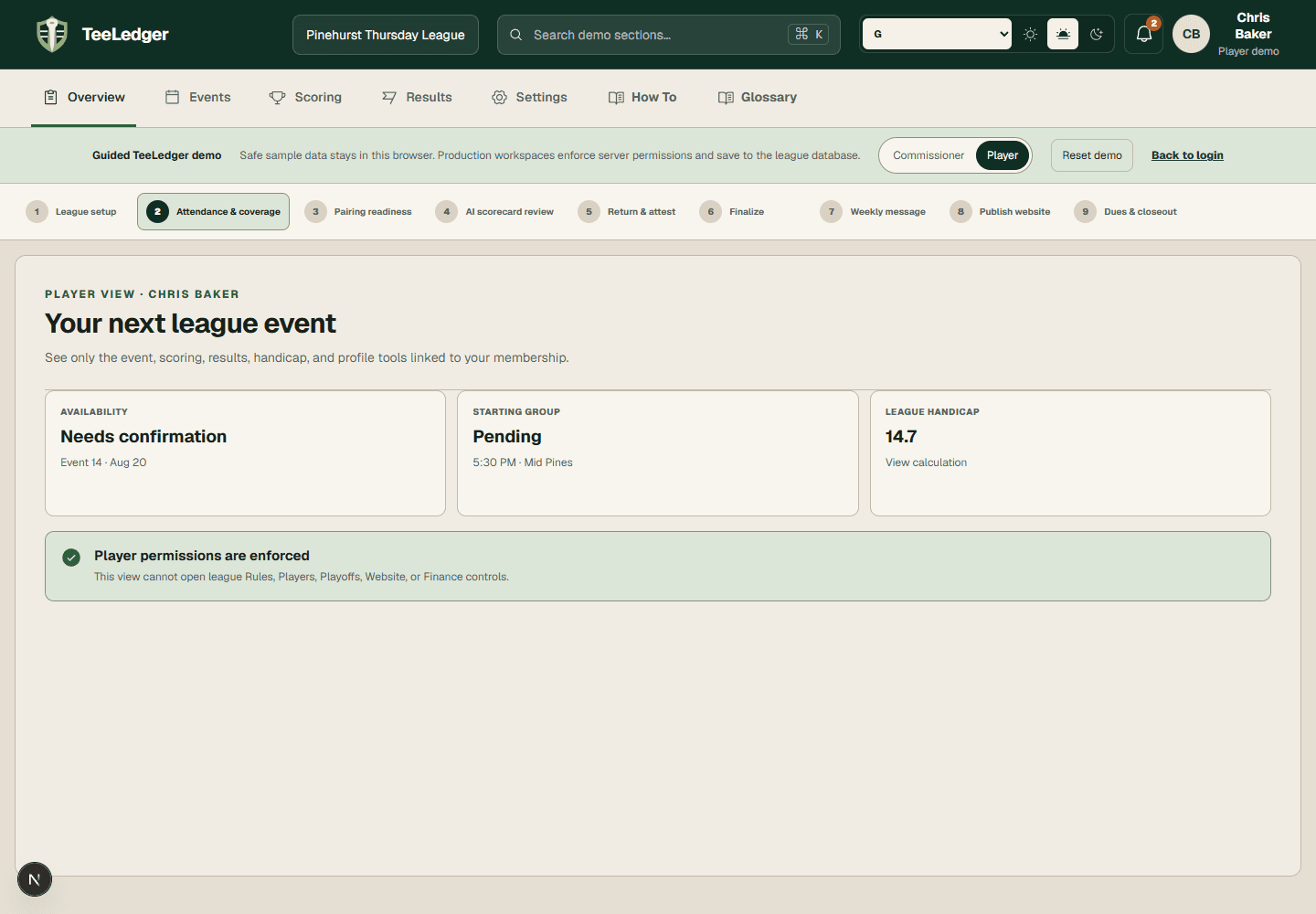
Start with a golfer who needs coverage, approve a real substitute or Ghost outcome, and keep the pairing, scorecard, and public grouping synchronized.
The scheduled golfer marks attendance or requests coverage from the player view; a commissioner can follow up on unconfirmed players.
The event desk shows one current status for the golfer.
Review eligibility, receiving team, lineup slot, tee, and point-credit policy before approving the claim or direct assignment.
The substitute replaces the absent golfer in the exact intended slot.
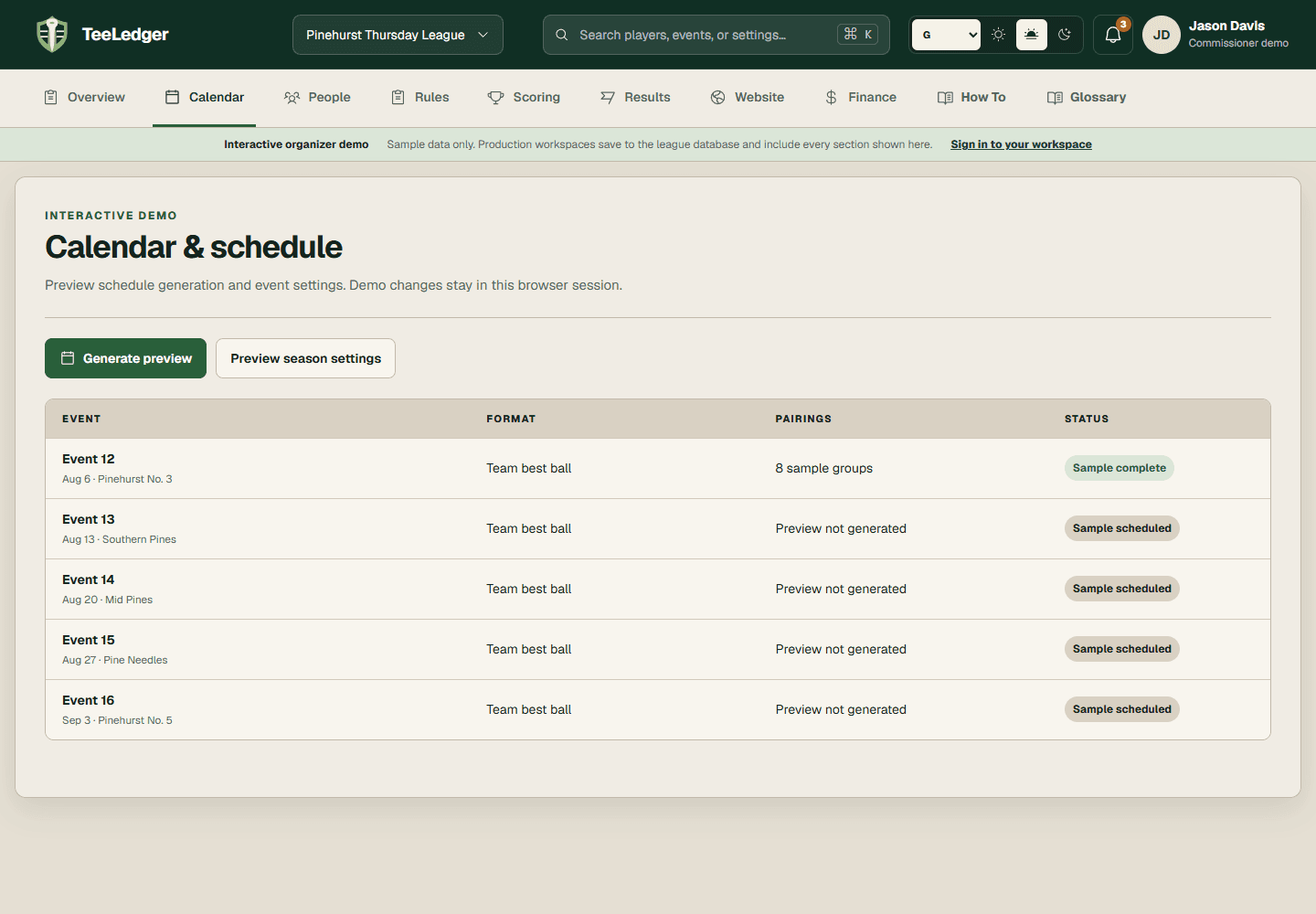
Choose the saved Ghost scoring evidence and credit policy, assign it to the absent golfer, and rerun pairing readiness.
Coverage, pairing, score, points, and audit trail identify the same Ghost outcome.