01
Generate and inspect the schedule
Choose cadence, events, rotations, group rules, phases, and fairness constraints, then review before saving.
Verify
Open this exact demo step Byes, opponent balance, starts, and course rotation are explained.
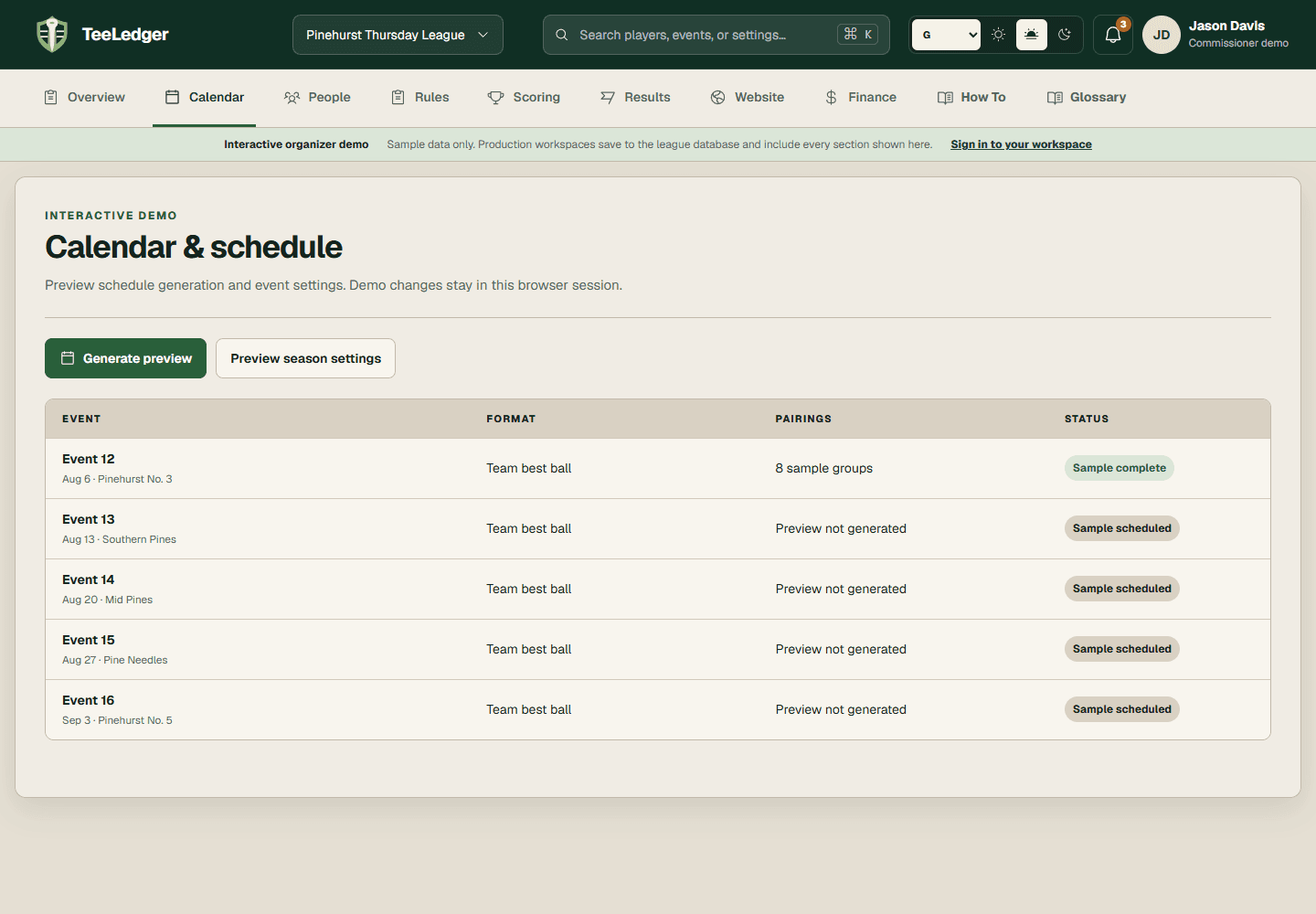
Generate the season schedule, edit only future state, and clear coverage, pairing, tee-time, and publication checks before play.
Choose cadence, events, rotations, group rules, phases, and fairness constraints, then review before saving.
Byes, opponent balance, starts, and course rotation are explained.
Review date, course, tee, start, holes, format, attendance, and rule snapshot.
The event desk and public preview identify the same event setup.
Generate groups, make exact reviewed corrections, and rerun the readiness check after resolving coverage or assignment blockers.
Every active participant is assigned once and no unresolved substitute occupies a final group.