01
Confirm your linked golfer
Read the signed-in identity, role, league, and player page before changing event availability or profile information.
Verify
Open this exact demo step The player name matches the roster membership.
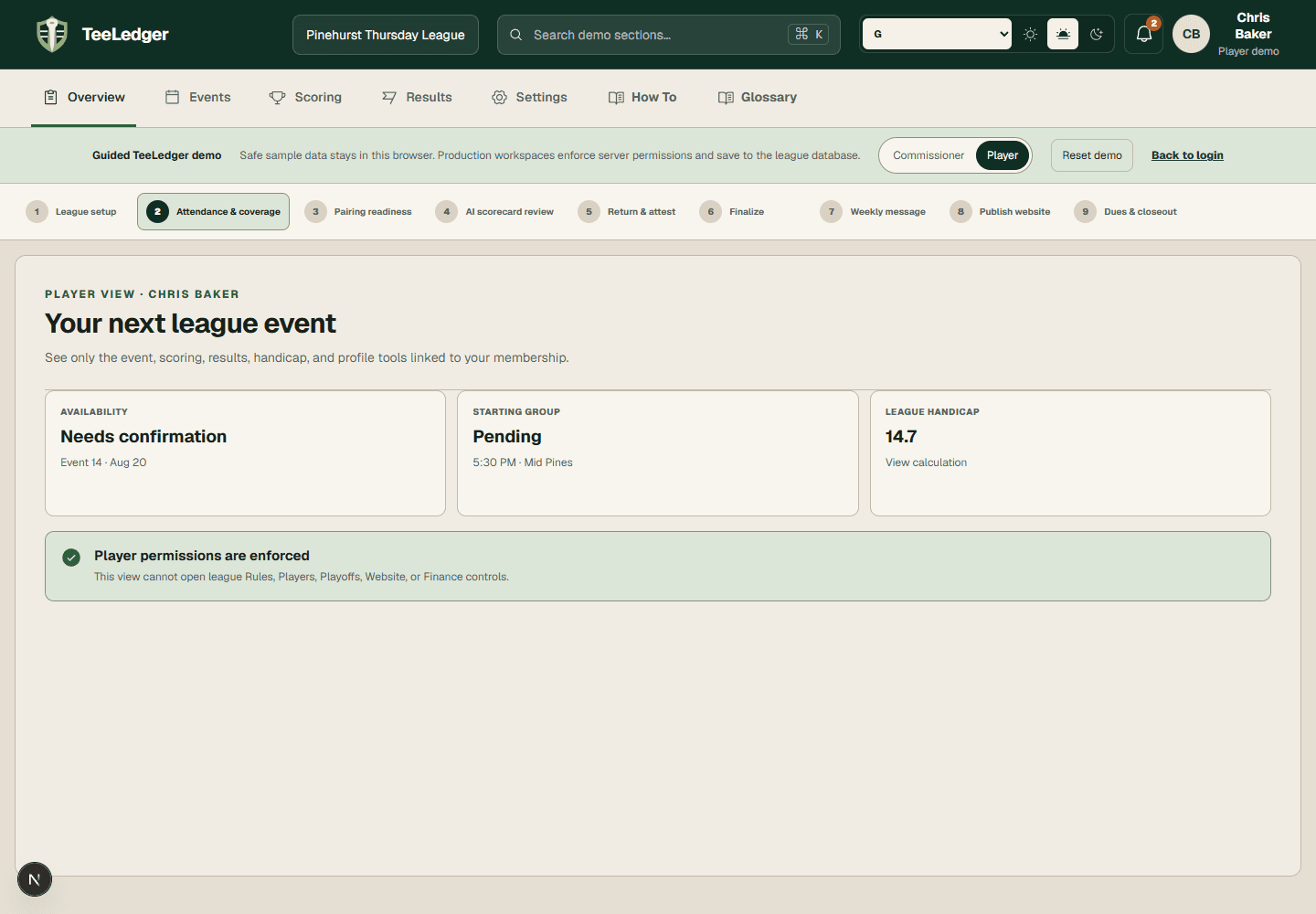
Manage your own event availability, group card, optional games, results, handicap history, and profile without commissioner access.
Read the signed-in identity, role, league, and player page before changing event availability or profile information.
The player name matches the roster membership.
Confirm availability, review your group and tee, open the printable scorecard, and join an eligible optional competition.
The event shows the same participation and enrollment state to you and the commissioner.
Enter only the scores your role permits, submit the card, follow live results, and inspect your handicap explanation after finalization.
Your card, result, standings, and next handicap share the same finalized source.