Use the digital scorecard
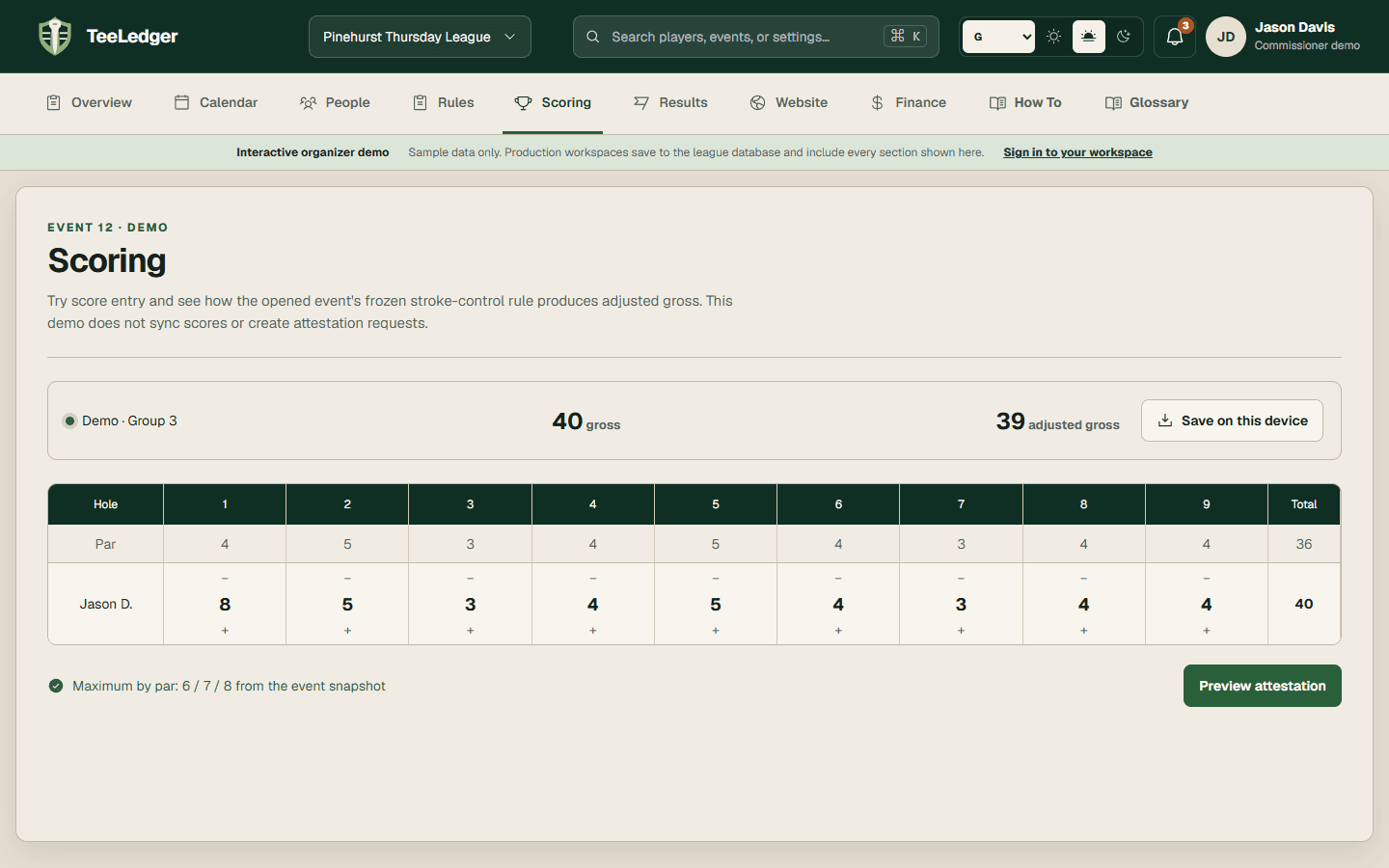
Enter or review group scores, handicap marks, totals, statistics, offline changes, submission, and attestation from the event card.
Coverage matchScorecard
The process
Do it in three checks
- 01
Open the right area
Go to Scoring or the group scorecard link in the active league.
- 02
Complete the action
Verify the event and players, enter scores hole by hole, resolve offline status, then submit and attest according to role.
- 03
Verify the result
The event desk should show a complete submitted or attested card with every hole present.