Filter results reports
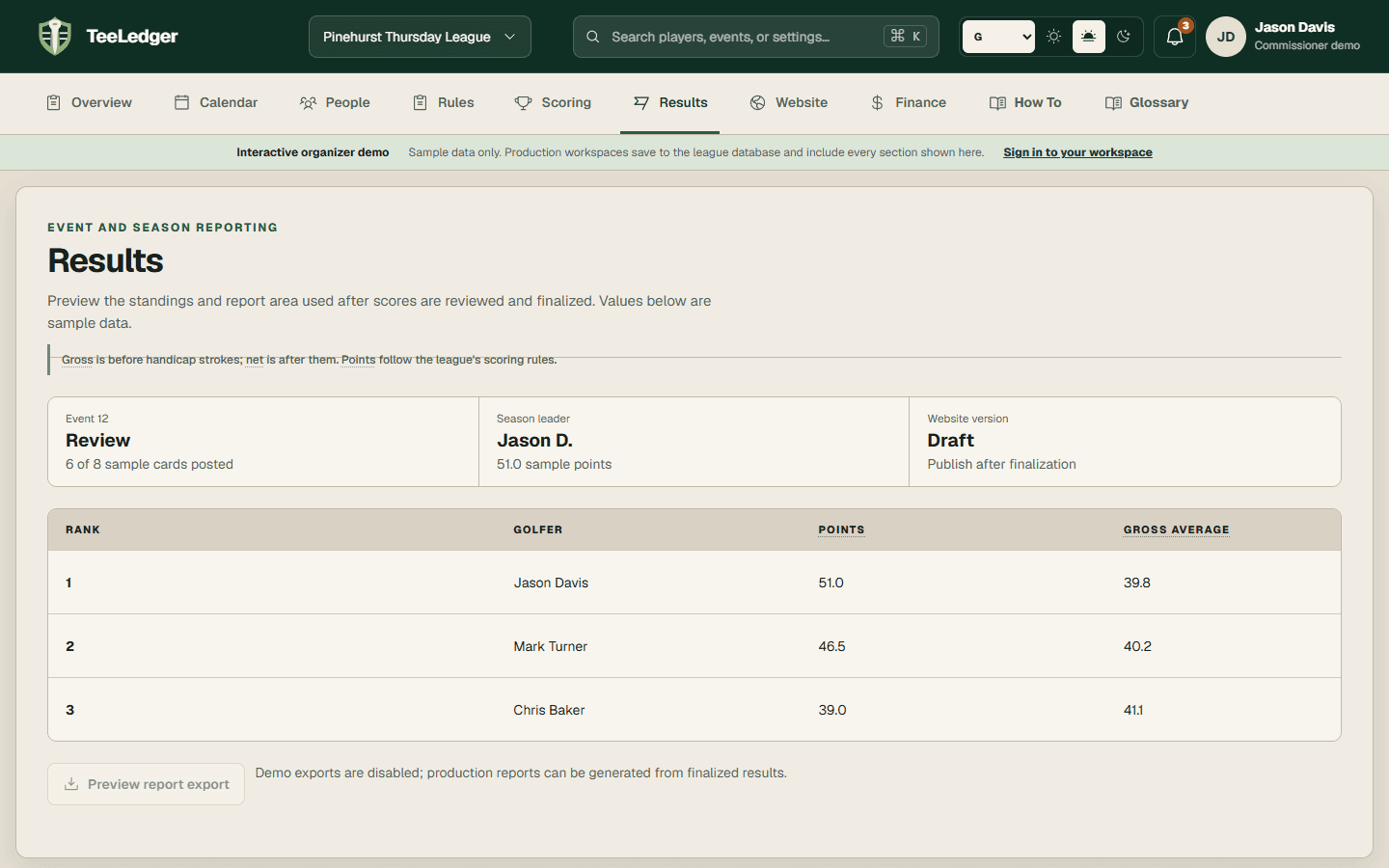
Limit a report by event, season, flight, active roster, team, or visibility without changing the underlying finalized result.
Coverage matchFilter Results - Which Players to Include
The process
Do it in three checks
- 01
Open the right area
Go to Results, then Report builder in the active league.
- 02
Complete the action
Select the scope and available filter, generate the artifact, and review the included golfers.
- 03
Verify the result
Confirm excluded golfers remain in the source results and were omitted only from this report.